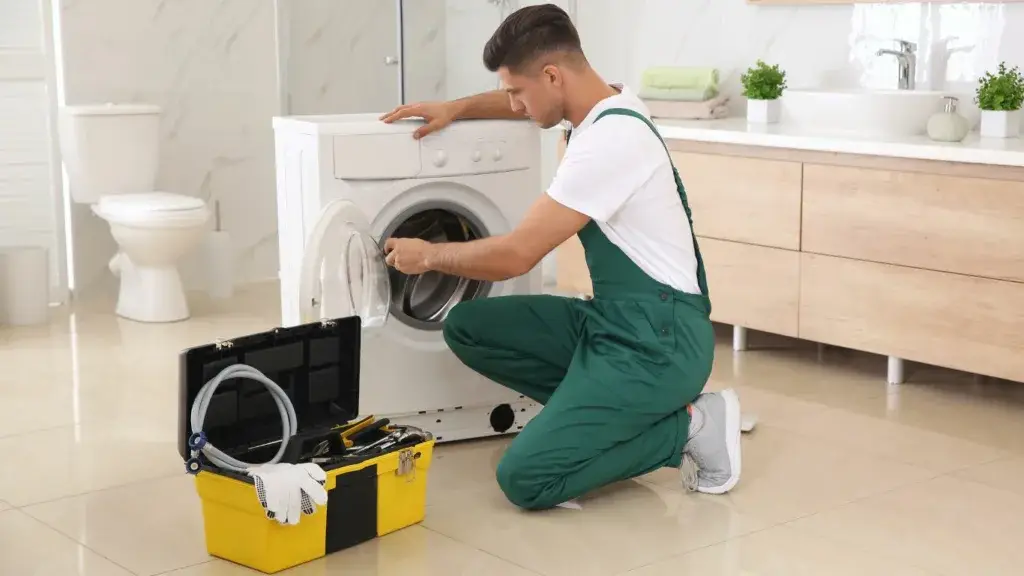
Need help with how to reset samsung washing machine top load?
Samsung top loader washing machines are known for their reliability and performance. However, even the most dependable machines can sometimes encounter hiccups. If your washing machine is acting up, a simple reset might be the solution. This guide walks you through common issues, reset steps, and when it’s time to call in the professionals.
Common Issues with Samsung Top Loader Washing Machines
Here are some common issues you might encounter:
- Machine Not Powering On: This could be due to a tripped breaker, a faulty power outlet, or a problem with the machine’s internal wiring.
- Error Codes Displayed: Samsung washing machines have a range of error codes that indicate specific issues.Consult your user manual for the meaning of the code.
- Cycle Not Starting: This could be caused by an unbalanced load, a problem with the door latch, or a malfunctioning control board.
Steps to Reset Your Samsung Top Loader Washing Machine
.Here’s how to do it:
- Unplug and Wait: Unplug your washing machine from the power outlet and wait for about 10 minutes. This allows the machine’s internal components to reset.
- Check for Obstructions: Open the washing machine’s lid and check for any obstructions in the drum or around the agitator. Remove any foreign objects.
- Run a Calibration Cycle: Consult your user manual for instructions on how to run a calibration cycle. This cycle helps the machine recalibrate its sensors.
- Perform a Manual Reset: Some Samsung models have a manual reset button. Locate it and press it for a few seconds. If you can’t find the button, refer to your manual.
When to Contact Our Repair Team
Here’s when you should reach out to us
- Issues Persisting After Reset: If the problem persists after you’ve tried resetting your machine, it’s time to call in the experts.
- Unusual Noises or Smells: Grinding noises, banging sounds, or burning smells are signs of a more serious problem that needs immediate attention.
- Visible Damage to the Machine: If you notice any visible damage to the machine, such as cracks, leaks, or broken parts, don’t attempt to fix it yourself.
Preventive Maintenance Tips for Samsung Top Loader Washing Machines
Here are some preventive maintenance tips:
- Clean the Drum and Dispenser: Regularly clean the washing machine’s drum and detergent dispenser to prevent buildup of soap residue and mold.
- Check the Hoses: Inspect the water inlet and drain hoses for any cracks or leaks. Replace damaged hoses immediately.
- Level the Machine: Make sure your washing machine is level to prevent excessive vibration and wear on the internal components.
Contact Our Repair Team Today for Professional Assistance
If you’re experiencing problems with your Samsung top loader washing machine or need professional maintenance services, don’t hesitate to contact our expert repair team. We’re here to help you keep your machine running smoothly and efficiently. Schedule a service call today and let us take care of your washing machine needs.
Washing machine giving you trouble?
Fill out our contact form now and we’ll be in touch shortly to schedule your repair.
Soft reset vs factory reset on a Samsung washer: what's the difference?
Short answer: A soft reset (also called a power cycle) switches the Samsung washer fully off and on again to clear temporary glitches, and it keeps your saved settings. A factory reset returns the washer to its original default settings and erases your saved preferences. It is only available on some models. Always try the soft reset first.
| What to compare | Soft reset (power cycle) | Factory reset |
|---|---|---|
| What it does | Cuts power to the control board so the washer restarts clean. | Returns the washer's saved settings to the original factory defaults. |
| How it is done | Unplug the washer (or switch it off at the wall or breaker), wait about 5 minutes, plug it back in and press Power. | Switch the washer on, turn the dial or menu to "Factory Reset" and confirm. Steps vary by model, so check your manual. |
| Time needed | 5 to 10 minutes. | A few minutes, plus time to set your preferences again. |
| Saved settings | Kept. Only the current cycle is cleared. | Erased. Custom cycles and preferences go back to default. |
| Wi-Fi / SmartThings | Normally stays connected. | May need to be set up again. |
| Best for | Frozen control panel, glitchy display, an error code that appears once, or a washer that won't start after a power cut. | Settings that still behave oddly after a soft reset, or wiping the washer before you sell it or hand it over. |
| Won't fix | Faulty parts, and error codes that return straight away (for example 5E drain, 4E water supply or dE door). | Hardware faults such as a worn drain pump, door lock or water inlet valve. These need a repair. |
| Available on | Every Samsung washer. | Some models only. Not every Samsung washer has a Factory Reset option. |
| Order to try | First. Low risk, nothing is lost. | Second. Use it only if the soft reset didn't work. |
| Still seeing an error after both resets? Call 031 562 0666 to book a Samsung washer repair. | ||
Which Samsung washer reset should you try first?
- Do a soft reset: unplug the washer, wait about 5 minutes, plug it in and switch it on.
- If the problem is still there and your model has a Factory Reset option, note your favourite settings, then run the factory reset.
- If the error code or fault comes back, the cause is probably a faulty part. Call a washer repair technician.
Does a soft reset delete my Samsung washer settings?
No. A soft reset restarts the washer and clears the current cycle, but your saved preferences are normally kept.
Will a factory reset fix a Samsung washer error code?
Only if the error was caused by a software glitch. If the code returns after the reset, a part such as the drain pump, door lock or inlet valve is likely faulty and needs repair.
When should I call a Samsung washer repair technician?
Call when an error code keeps coming back after a soft reset, the washer won't drain or fill, or the door stays locked with water inside. Phone 031 562 0666.
Last updated: