
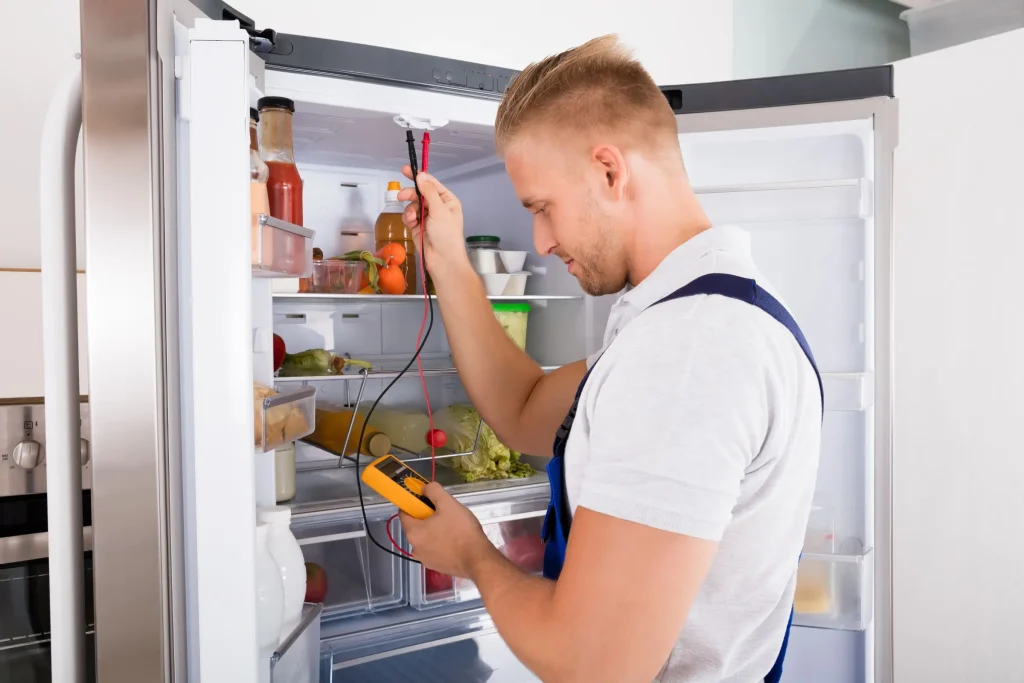
Don't Let Your Food Spoil! Call Our Samsung Fridge Repair Experts Today.
If you’ve got a Samsung fridge, you know it’s a great way to keep your food fresh, but like any appliance, it can have issues from time to time. A common issue is that it won’t cool down. If that’s the case, you can try to fix it yourself. Make sure it’s plugged in and the power is on, then check the temperature settings. If it still isn’t cooling, it could be the compressor, coils, or evaporator fan. If you can’t fix it yourself, you’ll need to call a professional appliance repair technician. They’re experienced in diagnosing and fixing all kinds of Samsung fridge issues, including cooling.
Diagnose the problem:
Our technician will start by taking a look at your fridge to figure out what’s causing the issue. They’ll look at the compressor, coils, evaporator fan and door seals.
Repair the problem
Once our technician has diagnosed the problem, they will repair it. This may involve replacing a faulty part, cleaning the condenser coils, or adjusting the door seals.
test the fridge
Once the fridge is fixed, our tech will check it to make sure it’s running smoothly.
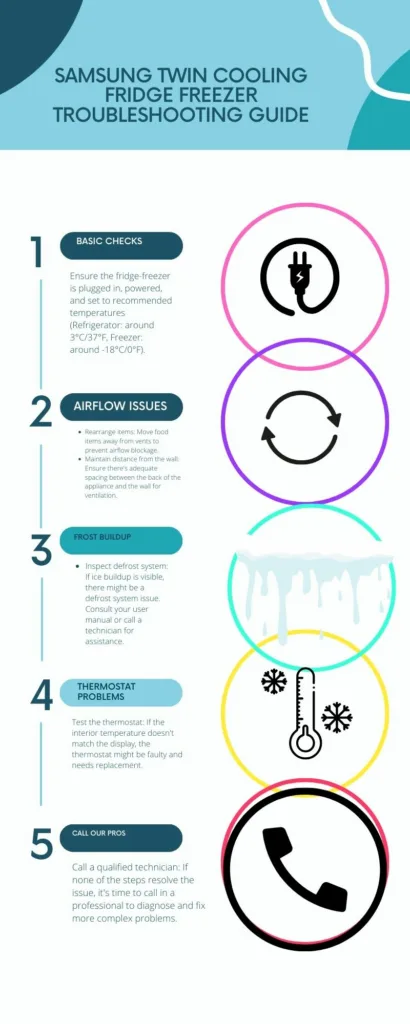
Samsung Twin Cooling fridge-freezer problems.
Fridge or Freezer Not Cooling Properly
- Check Power: Ensure the unit is plugged in securely, and try a different outlet if needed.
- Adjust Temperature: Lower temperature settings for both fridge and freezer. Allow several hours for the temperature to stabilize.
- Avoid Overstocking: Too much food can block vents. Ensure airflow isn’t obstructed.
- Distance from Walls: Leave space behind the refrigerator for proper ventilation.
Ice Buildup in Fridge or Freezer
- Faulty Defrost System: A common culprit. It could involve the defrost heater, sensor, or timer. Professional repair might be necessary.
- Door Seals: Inspect for gaps or tears. Damaged seals will let warm air in, leading to condensation and frost. Replace the gasket if needed.
- Frequent Door Opening: Try to reduce how often and for how long you open the doors.
Unusual Noises Coming from Fridge-Freezer
- Evaporator Fan: If the noise is a clicking or grinding sound, the fan may be faulty or obstructed. An appliance technician can help with this.
- Compressor: A loud buzzing from the back of the unit could indicate a compressor issue.
- Loose Parts: Check if anything, like ice trays or shelves, are not secured properly.
Keep the condenser coils clean:
The condenser coils are located at the back of the fridge and they help to dissipate heat. If the condenser coils are dirty, they will not be able to work properly and the fridge will not cool properly.
Do not overload the fridge:
Overloading the fridge can block the air vents and prevent the cool air from circulating properly.
Do not open the fridge door too often
Opening the fridge door too often allows warm air to enter the fridge and makes it work harder to cool down.
refrigerator not cooling samsung
If your Samsung fridge is not cooling properly, it can be frustrating. Follow these steps to troubleshoot and potentially resolve the issue.
1. Check Power Supply
Make sure the fridge is properly plugged in and the power outlet is working.
2. Temperature Settings
Ensure the temperature settings are correctly adjusted. Lower the temperature if needed.
3. Clean Condenser Coils
Dusty or dirty condenser coils can hinder cooling. Use a vacuum cleaner or a coil cleaning brush to clean them.
4. Verify Door Seal
Check if the door seal is intact. Replace it if there are any signs of damage or wear.
5. Clear Air Vents
Ensure the air vents inside the fridge and freezer are not blocked by food items. Proper airflow is essential for cooling.
6. Defrost the Freezer
If ice has built up in the freezer, manually defrost it to allow proper airflow.
7. Check Evaporator Fan
Make sure the evaporator fan, located in the freezer, is functioning properly. Replace if necessary.
8. Inspect Compressor
If none of the above steps resolve the issue, there might be a problem with the compressor. Contact Samsung support for assistance.