
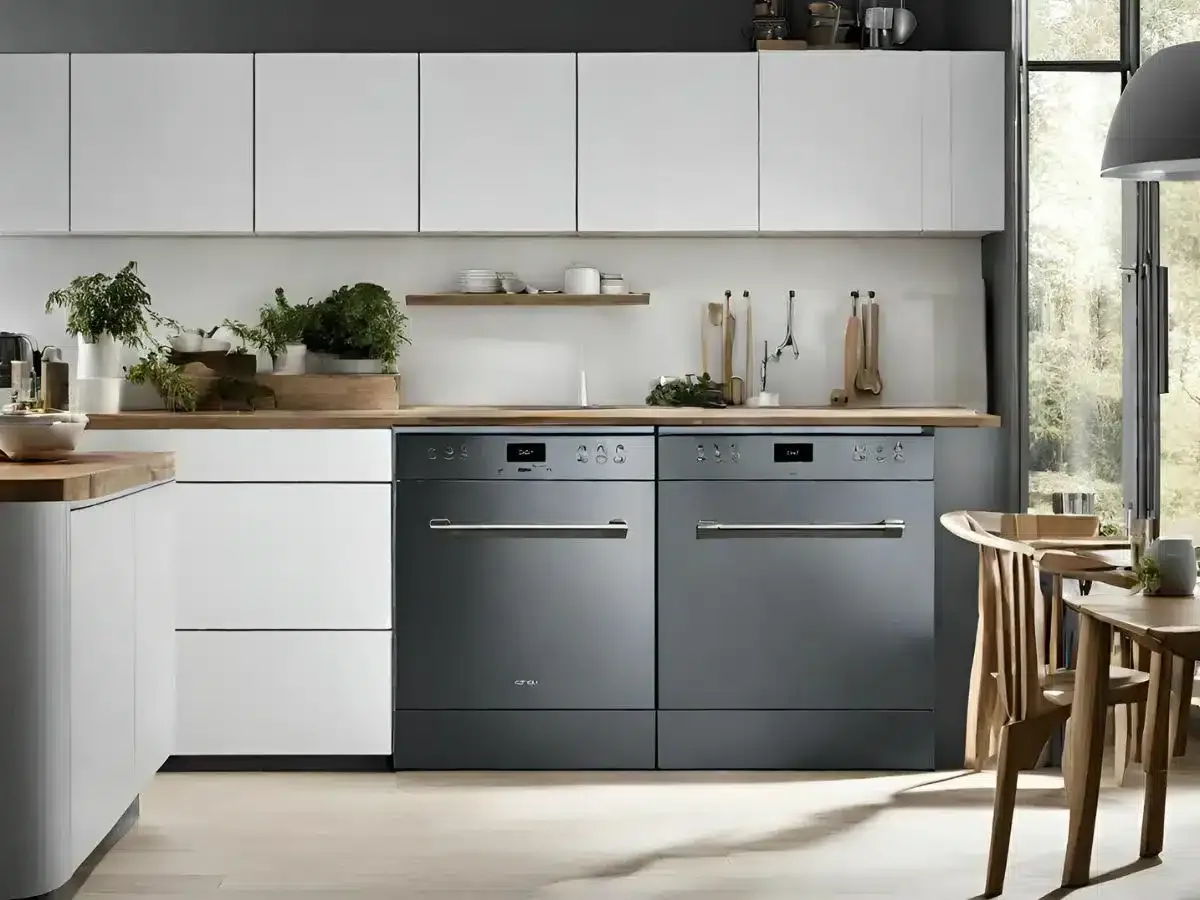
Sometimes, even the best appliances throw a tantrum. If your Smeg dishwasher is malfunctioning, displaying cryptic error codes, or simply acting stubbornly, a reset might be just what the appliance doctor ordered.This blog post breaks down the why, how, and what-to-do-if of resetting your Smeg dishwasher. Get ready to restore order to your kitchen!
Understanding Why You Need to Reset Your Smeg Dishwasher
Think of resetting your dishwasher as a quick reboot for its internal computer. Here’s why it works wonders:
Common Reasons for Resetting
- Unexplained error codes
- Lights flashing randomly
- Dishwasher not starting or stopping properly
- Program cycles acting up
- Just general odd behavior
Preparing to Reset Your Smeg Dishwasher
A little prep goes a long way. Follow these steps before you begin.
Safety Precautions
- Always turn off the power to your dishwasher at the breaker box for ultimate safety.
- If you can’t access the breaker, unplug the dishwasher from the power outlet.
Checking the Dishwasher's Condition
- Make sure the dishwasher is empty of dishes.
- Check that there’s no standing water inside the appliance.
Resetting Your Smeg Dishwasher
Step 1: Turn Off the Dishwasher
- Use the power button on the control panel to turn the dishwasher off.
Step 2: Unplug the Dishwasher
- Unplug the appliance from the wall outlet. If you turned off the breaker, skip this step.
Step 3: Wait for a Few Minutes
- Give the dishwasher’s electronic systems time to fully discharge – wait at least 1-2 minutes, but longer is even better!
Step 4: Plug the Dishwasher Back In
- Reconnect the dishwasher to the power outlet. If you used the breaker, flip it back on.
Step 5: Turn On the Dishwasher
- Power the dishwasher
Testing Your Smeg Dishwasher
Did the reset do the trick? Here’s how to find out:
Checking for Error Codes
- See if your dishwasher display still flashes any error codes. Your user manual can help you decipher specific codes.
Running a Test Cycle
- Run a short wash cycle without any dishes to see if the dishwasher behaves normally.
Troubleshooting Tips
What to Do If the Reset Doesn’t Work
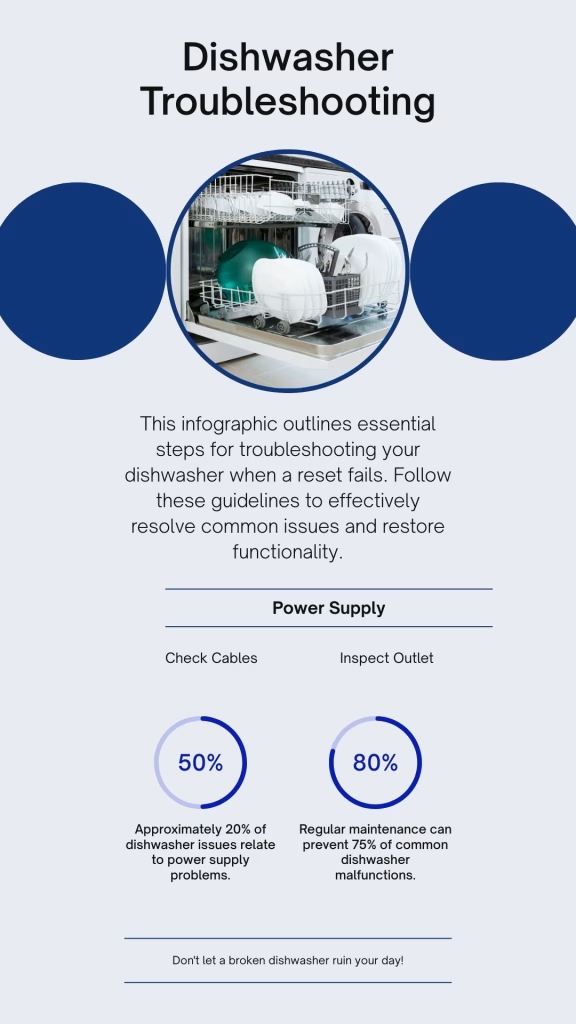
- Repeat the reset steps, but wait longer before plugging the dishwasher back in (try 10-15 minutes).
- Check your dishwasher’s user manual for troubleshooting steps specific to your model.
You can also speak to our team regarding Smeg dishwasher services in Durban
Maintenance Tips to Prevent Future Resets
Keep those resets in the past! Prevent future issues with these easy tips:
Regular Cleaning and Maintenance
- Clean the dishwasher filter regularly.
- Wipe down the interior and door seals.
- Run a cleaning cycle with a dishwasher cleaner periodically.
Using the Dishwasher Correctly
- Load dishes properly, ensuring they don’t block the spray arms.
- Use the correct amount of detergent.
- Avoid overloading the dishwasher.
Expert Technicians, Affordable Prices. Tell Us Your Problem.
Smeg Dishwasher Acting Up? We’ve Got the Answers!
Is your Smeg dishwasher giving you grief? Don’t let a faulty appliance disrupt your Durban lifestyle! We’re experts in Smeg dishwasher repairs, and we’ve compiled this FAQ to address your most pressing questions.
You can also speak to our team for Smeg dishwasher services in Durban
-
My Smeg dishwasher is displaying an error code. What does it mean?
Smeg dishwashers use error codes to signal specific problems. Common codes include "E1" (indicating a water leak), "F4" (pointing to a drainage issue), and others. While some codes might suggest simple fixes, it's always best to have a qualified technician diagnose the problem to avoid further damage.
-
Why won't my Smeg dishwasher drain properly?
Ah, the dreaded drainage issue! This is a frequent problem we encounter. Blockages in the filter or drain hose, a faulty drain pump, or even problems with the dishwasher's installation can all contribute to poor drainage. We have the tools and expertise to identify the root cause and get your dishwasher draining efficiently again.
-
I tried resetting my Smeg dishwasher, but it's still not working. What now?
While a reset can resolve many minor issues, some problems require a more in-depth solution. If your dishwasher continues to malfunction, it's best to contact a qualified Smeg technician. Attempting complex repairs yourself could lead to further damage or even safety hazards.
-
Can you guide me through a Smeg dishwasher reset over the phone?
While we're happy to offer general advice, providing specific reset instructions over the phone can be tricky. Smeg dishwashers have variations in their control panels and reset procedures, and we wouldn't want to lead you astray. For personalized guidance, it's best to schedule a service call with one of our technicians.
-
How often should I reset my Smeg dishwasher?
Ideally, you shouldn't need to reset your Smeg dishwasher frequently. If you find yourself resetting it regularly, it's a sign that there's an underlying issue that needs professional attention.
Why won't my Smeg dishwasher start a cycle?
A Smeg dishwasher usually won't start a cycle because the door is not fully latched, a control lock or delay start is active, the water supply is off, or the machine has no power. Close the door firmly until it clicks, cancel any delay start or lock, open the water tap and check the power. If the "end" lights stay on after you open the door mid-cycle, open the door, switch the dishwasher on, then hold Start/Pause while you close the door.
| Possible cause | What you notice | How to fix it | Time needed | Call an engineer if |
|---|---|---|---|---|
| Door not fully latched | The panel lights up but nothing begins, there is no latch click, or the lights cycle through programmes with beeps. |
|
1 minute | There is no click, or it only starts when you push the door hard. The latch or switch may be worn. |
| Control lock or delay start is on | A lock or delay symbol is showing, and button presses are ignored or a timer is counting down. |
|
1 minute | The lock or delay will not clear, or the buttons do not respond at all. |
| Cycle interrupted and "end" lights stuck on | The door was opened mid-cycle and the dishwasher will not resume or accept a new programme. |
|
1 to 2 minutes | It still will not start after this reset. Contact Smeg service to arrange a repair. |
| Water supply is off | The cycle starts, then stops or cancels within minutes, and the tub stays dry. |
|
5 minutes | The tap is open, the hose is clear and the dishwasher still will not fill. |
| No power to the dishwasher | The panel is completely dark with no lights or sounds. |
|
2 to 5 minutes | The breaker trips when you press Start, or the power is live and the panel stays dead. This may be a control board fault. |
|
Safety note: Switch off the power before checking hoses or the door area. Never tape, wedge or bypass the door latch to make the dishwasher run. Stop using the machine and call an engineer if you see water in the base or the breaker trips. Button names vary between Smeg models, so check your user manual. Book a Smeg dishwasher repair |
||||
What does the control panel tell you when a Smeg dishwasher won't start?
What the panel does when you press Start narrows down the fault quickly. Match your dishwasher to one of the three behaviours below.
| What the panel does | What it usually means | First thing to try |
|---|---|---|
| Panel is dark, no lights or sound | No power is reaching the dishwasher, or the door circuit is open. | Check the plug, socket, isolator and breaker, then close the door firmly. |
| Panel lights up but no cycle begins | Power is fine, but the door latch, a control lock or a delay start is blocking the cycle. | Push the door shut until it clicks, cancel any delay start, release the lock and press Start/Pause. |
| Cycle starts, then stops within minutes | Usually a water fill problem. If there is water left in the tub, it is more likely a drain fault. | Open the supply tap, check the inlet hose for kinks, then run a short programme. |
About the Author: Smart Appliance Centre CC
This guide was authored by the technical experts at Smart Appliance Centre CC, a leading home appliance repair service based in Durban, South Africa. With over four decades of hands-on industry experience, our certified technicians specialize in diagnosing, maintaining, and repairing premium kitchen appliances, including Smeg dishwashers. We combine daily field experience with technical engineering knowledge to provide homeowners with safe, accurate, and authoritative appliance troubleshooting guides.
14 blackburn road, parkhill Durban North, durban, 4051